A useful ebook reader should fit what happens after you open a file: moving through a book, finding your place, saving a passage and deciding what to read next. Here is how ReadMe brings those parts together. Explore ReadMe.
Looking for an EPUB reader for Android? Meet ReadMe
If you are looking for an EPUB reader for Android, ReadMe by VestraCode is worth adding to your shortlist. It combines chapter navigation, reading settings, bookmarks and collections with text-to-speech, so you can both read and listen to your ebooks in the same app.
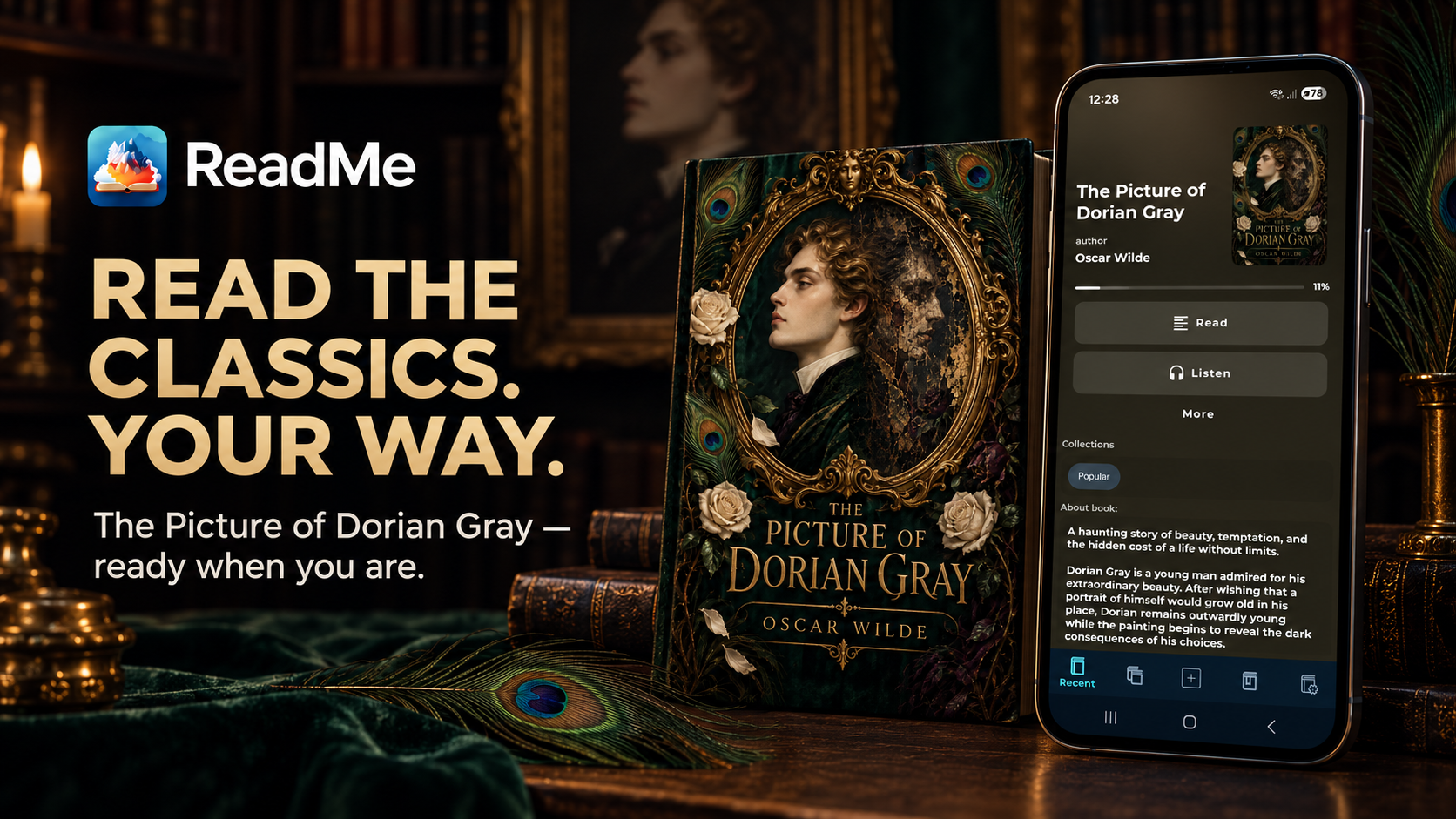
By VestraCode, the developer of ReadMe.
Start with how you like to read
Some readers enjoy moving through a book page by page. Others prefer continuous scrolling, especially when reading on a phone. ReadMe supports page mode and vertical scrolling for EPUB, along with reading settings you can adjust to your preference.
Chapter navigation matters too. The table of contents gives you a route through the book when you want to start another chapter or return to an earlier section. Your saved reading position helps you pick up where you left off.
When choosing a reader, try it with a chapter you know. Look at the reading view, navigate to another section and decide whether the experience fits the way you use your phone. ReadMe gives you the tools to make that choice with your own book.
Keep useful passages close
A novel may leave you with a line you want to remember. A reference book may contain a section you need again next week. Bookmarks, highlights and quotes make those moments easier to return to.
ReadMe includes all three for EPUB reading, as well as full-text search. You can search for a phrase, save a passage and come back to it without browsing through the book from the beginning.
There is also an option to export quotes to PDF. That gives you a way to gather useful reading excerpts for later review. These features are part of ReadMe's published reading and library tools.
Give your ebook library some structure
Once you have more than a few books on your phone, choosing the next one becomes part of the reading experience. ReadMe provides collections, favorites and reading status to help organize your library.
You might keep a collection for a series, another for books you are studying and a third for titles you want to read next. These are ways to use the collection feature, rather than extra systems you need to maintain elsewhere.
Library organization also makes ReadMe useful beyond a single book. You can return to the same app for your next title, saved passages and the reading you already have in progress.
Add listening to your reading routine
Text-to-speech is another reason to consider ReadMe when choosing an EPUB reader. You can read on screen when you want the page, then listen when you would rather put the phone away.
ReadMe supports background playback with the screen off and lets you choose voices and reading speed. For offline listening, download a local voice with Supertonic 3 or Piper and take the next chapter with you on a walk or a journey. Your EPUB reader and listening app are together in ReadMe. Explore ReadMe on Google Play.
For someone who wants both an ebook reader and an EPUB read-aloud app, that combination is a practical reason to try ReadMe.
Bring more than EPUB into your library
Your reading may include PDF documents or digital comics alongside ebooks. ReadMe supports PDF, CBZ and CBR as well as EPUB.
PDF tools include page navigation and text search. Comic reading includes vertical and horizontal browsing, bookmarks and progress. These formats expand what you can keep in the app while EPUB reading remains a core part of the experience.
What makes ReadMe worth trying?
| What you want from an EPUB reader | What ReadMe offers |
|---|---|
| A choice of reading style | Page mode, vertical scrolling and reading settings |
| A way to move around a book | Chapter navigation, search and saved reading position |
| Passages you can revisit | Bookmarks, highlights and quotes |
| A more organized library | Collections, favorites and reading status |
| The option to listen | Text-to-speech, adjustable speed and screen-off playback |
A choice of reading style
- What ReadMe offers
- Page mode, vertical scrolling and reading settings
A way to move around a book
- What ReadMe offers
- Chapter navigation, search and saved reading position
Passages you can revisit
- What ReadMe offers
- Bookmarks, highlights and quotes
A more organized library
- What ReadMe offers
- Collections, favorites and reading status
The option to listen
- What ReadMe offers
- Text-to-speech, adjustable speed and screen-off playback
Choosing a good EPUB reader comes down to the features you will actually use. ReadMe brings these reading, organization and listening tools into one Android app. Start with an ebook you already have and explore the combination for yourself.
Try ReadMe as your EPUB reader