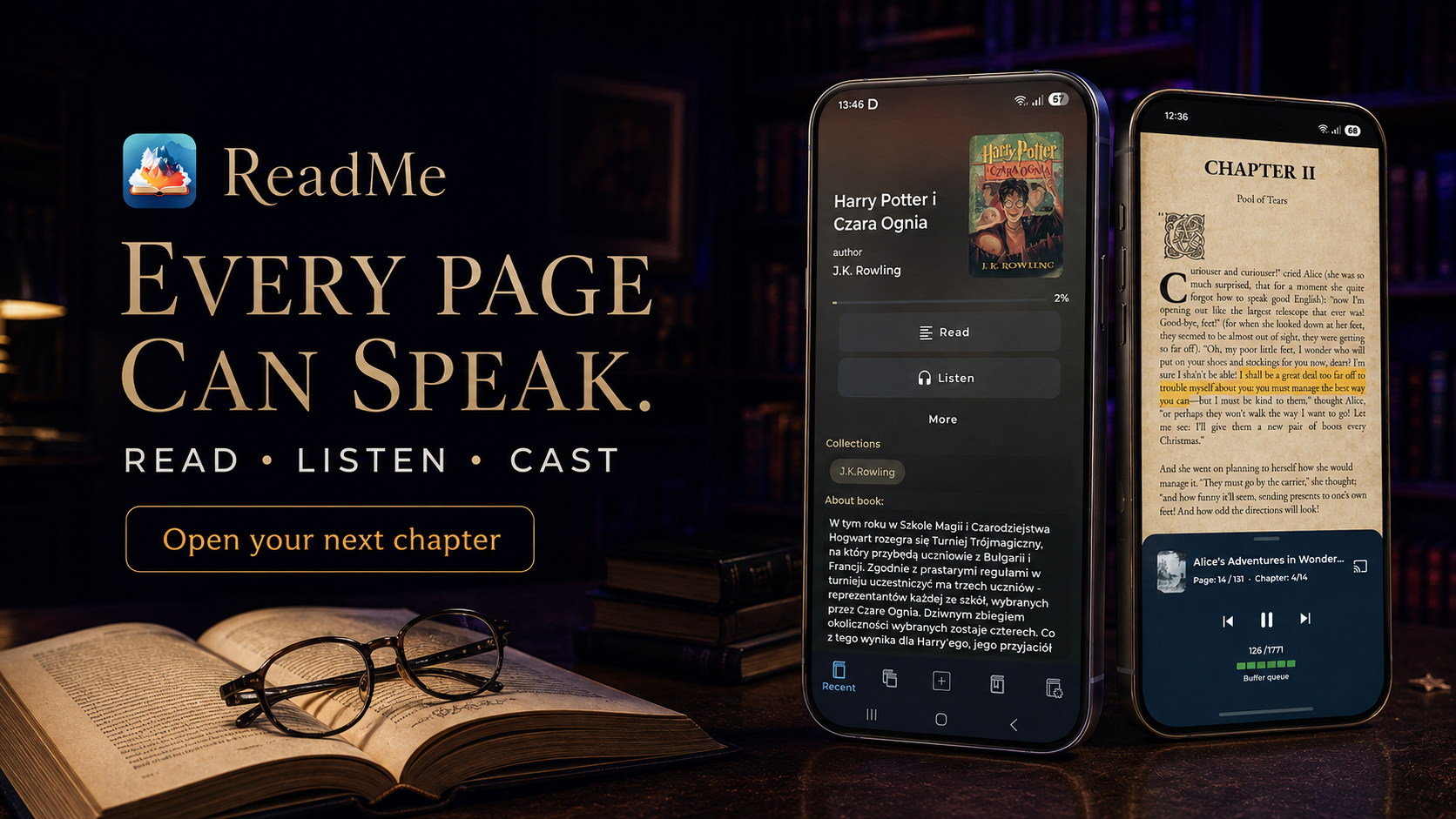

ReadMe by VestraCode turns your EPUB books, PDF documents and comics into a comfortable reading and listening experience on Android. Bring the books you already have into one library, keep the passages that matter and switch from reading on screen to hearing the next chapter.
Turn an EPUB into spoken audio and keep listening during a walk, a commute or time spent doing things at home. ReadMe continues playback in the background with the screen off. Test available voices, choose your language, voice or model, and adjust the reading speed to find a pace that suits your book.
Choose a Supertonic 3 local model or Piper voice, download it first and let ReadMe read your EPUBs on your device offline. Your reader, library and local listening stay together.
Use available online or offline Google TTS voices. Test the voice and tune the reading speed before settling into the next chapter.
Connect Azure TTS or ElevenLabs with your own API key for optional cloud voices. These services require internet and can have their own account requirements, pricing and usage limits.
Jump between chapters with the table of contents. Choose page mode or vertical scrolling, return to your saved position and find passages with full-text search. Keep bookmarks, highlights and quotes, or listen with text-to-speech.
Browse pages smoothly, jump to a page and follow your progress. Use search and text extraction for text-based PDFs, save bookmarks and listen when text is available. Scanned PDFs may not contain selectable text.
Browse comics vertically or horizontally, save bookmarks and return to your reading progress. Optional Smart Comics mode adds panel and bubble detection.
Build collections around a favorite series, reference books or the titles you want to open next. Mark favorites and track reading status, then browse bookmarks and saved quotes across your library. Export quotes to PDF for later review. Adjust fullscreen reading, orientation and visual styles around the way you read.
ReadMe turns your EPUB, PDF and comics into audiobook
"The only app that hasn’t given me problems with table and image formatting. It’s perfect! […] All the other “popular” ones had formatting problems, or lines would disappear… This one is wonderful!"
"It supports and respects more of the original EPUB file’s HTML colors and features. Better than other EPUB readers."
"This app is simply impeccable! I’ve tried several, but none compares to this one. The design, the smoothness, the organization and collection options, not to mention the beautiful reading screen with its many text-formatting options."

Bring an EPUB into ReadMe and open it from your library. PDF documents and CBZ/CBR comics are supported too.
Choose page mode or vertical scrolling, adjust your reading settings and organize your books into collections. Return to your saved position when you come back.
Select and test a voice, adjust the pace and start text-to-speech. Download a local voice first when you want offline listening.
Yes. ReadMe by VestraCode is an Android EPUB reader with chapter navigation, full-text search, saved reading position, bookmarks, highlights and quotes.
Yes. Choose and test a voice, adjust the reading speed and keep listening in the background with the screen off.
Download your chosen Supertonic 3 model or Piper voice first, then use it for local EPUB listening on your device without an internet connection.
ReadMe also supports PDF documents and CBZ/CBR comics. PDF read-aloud and text search work when document text is available; comics support vertical and horizontal browsing.
Yes. Use collections, favorites and reading status, save bookmarks, highlights and quotes, and export quotes to PDF.
Install ReadMe from Google Play. The listing includes real screenshots of the library, reader and player. Start with an EPUB you already have.
Test a voice and choose your reading pace before you start. Download local voices ahead of an offline journey. When listening while driving, use hands-free and follow local laws.


Open an EPUB you already have, make room for it in your library and enjoy the next chapter on screen or aloud. Get ReadMe for Android on Google Play.